최신 업데이트 파일을 다운로드하세요구글 폴더
1단계: 업데이트 파일이 들어 있는 USB 메모리를 삽입하세요 (USB 메모리는 포맷되어 있어야 합니다).
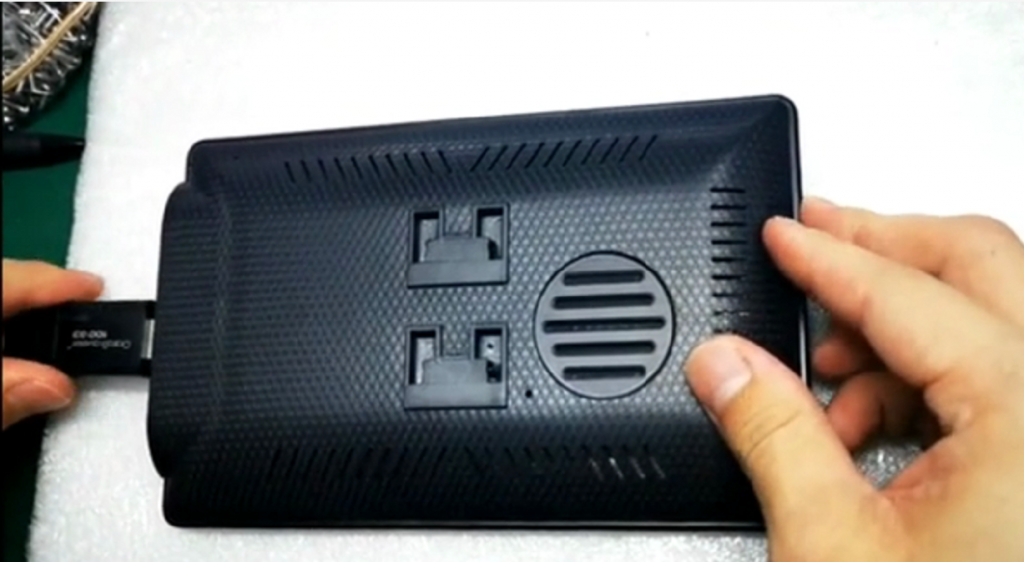
2단계: 바늘을 사용하여 뒷면 덮개에 구멍을 뚫으세요.

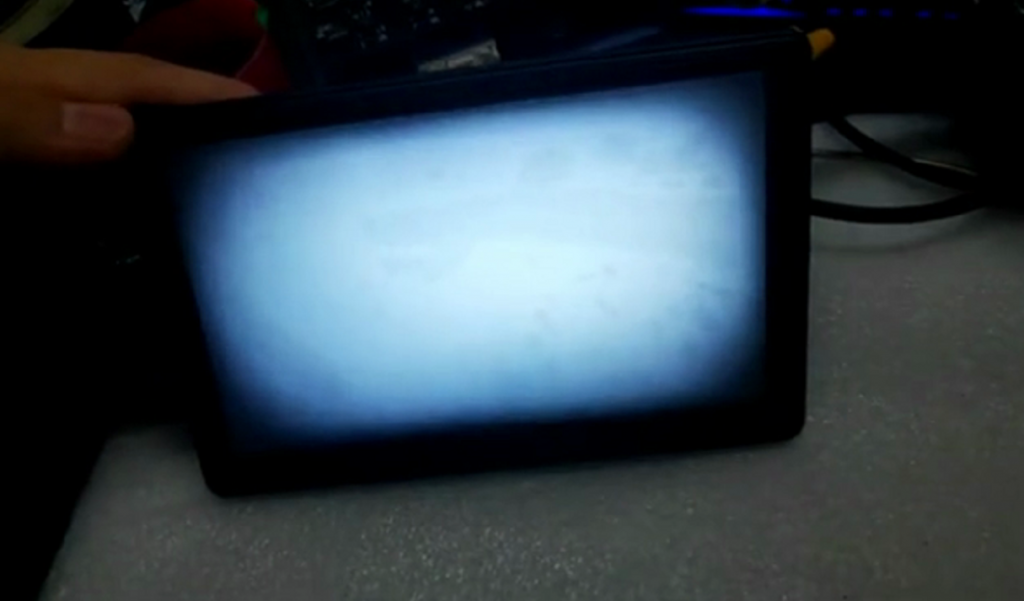
3단계: 전원을 켜고 3~7초간 기다리면 흰색 화면이 나타난 후 “업그레이드 성공” 메시지가 표시됩니다.


최신 업데이트 파일을 다운로드하세요구글 폴더
1단계: 업데이트 파일이 들어 있는 USB 메모리를 삽입하세요 (USB 메모리는 포맷되어 있어야 합니다).
2단계: 바늘을 사용하여 뒷면 덮개에 구멍을 뚫으세요.
3단계: 전원을 켜고 3~7초간 기다리면 흰색 화면이 나타난 후 “업그레이드 성공” 메시지가 표시됩니다.
댓글을 달기 위해서는 로그인해야합니다.
The link to the update file contains a video not an actual firmware file.
Hi Stephen
Sorry for our mistake, we have updated the correct firmware file, please check it here: https://drive.google.com/file/d/1P1yyGHOgy4LNUDEcti82tt5eHBNbxT93/view
Thanks
Dylan
Hi.
How do you know if there is an update and if you need to install it. Is there a change log anywhere?
Thanks
Matt
Hi Matt,if there us no problem with your device, no need to update it.
Thanks. Does that mean none of the updates improve the system or speed up wireless connectivity or something like that ?
Thanks.
Hi Matt
We will have updates to improve its performance, just this version is to fix some bugs, so if you don’t have problems with the device, no need to update it.
You could subscribe our newsletter to get the latest info 🙂
Thanks
Dylan
Mine doesn’t come up with the white screen or iodate successful message. Have followed the instructions.
Does the usb drive have to be formatted in any particular file system?
Thanks.
Hi Matt, The USB drive set to defalt formatted.
when you poke the hole, remember to hold it for 3-7 seconds , and don’t charge it.
after 3-7 seconds, then start to charge it
Is there a newer firmware version? The one linked above is dated September 2021. After my phone updated to Android 11 is started gett this error message. I’m hoping a firmware update will solve this problem. “Activate failed because connecting wifi failed Please switch wireless Android Auto mode, and reopen Bluetooth”